Invite a client to a subscription you're paying for If you need your client to access the subscription you're paying for, you'll need their email address. Find your client in the client list. Learn how to find clients in the client list.
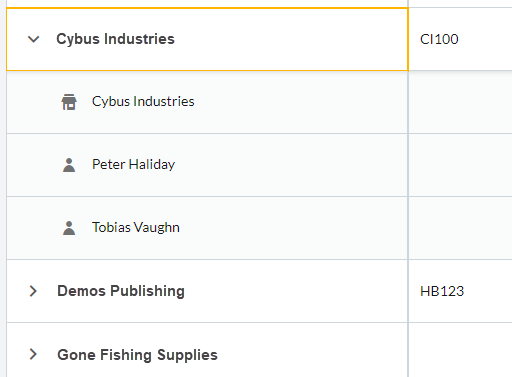 Select the client. From Overview, select Products. From Product subscriptions, select Invite client. Enter your client's email. From the Product dropdown list, specify which product they’ll have access to.
 From the Role dropdown list, choose what level of access they'll have.
 NOTE: Select Add another role to give them access to the other products. NOTE: Select Add another role to give them access to the other products. Select Send invitation, and we'll send a link to the email address you entered.
 Ask your client to select Open invitation, then Accept to get access to the subscription.

Remove a client's access to a subscription you're paying forAfter providing a client access to a subscription you're paying for, it's possible to remove their access. Find your client in the client list. Learn how to find clients in the client list
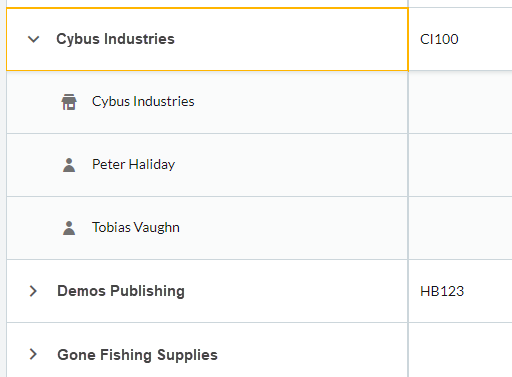 Select the client. - From Overview, select Products.
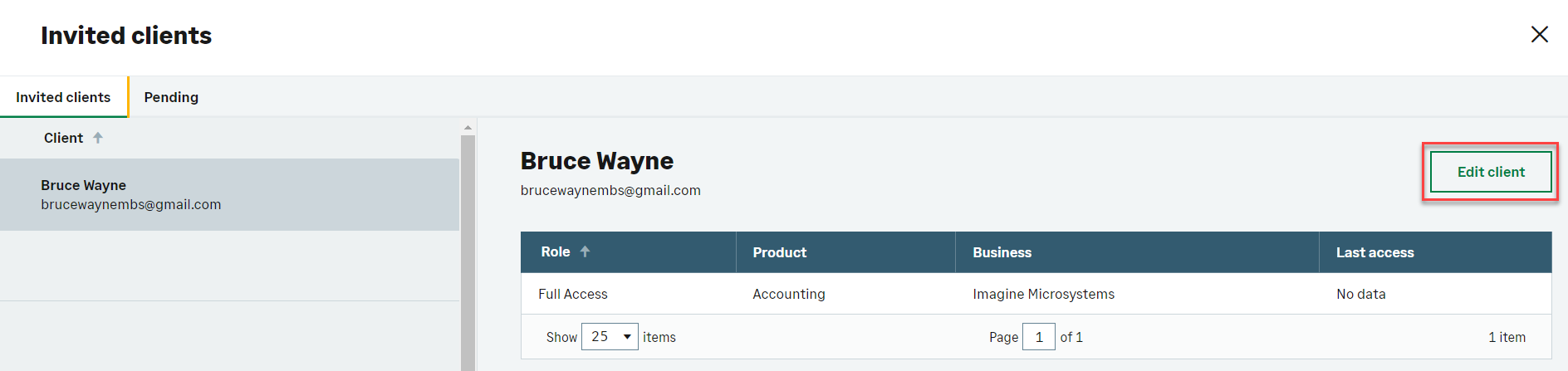
From Product subscriptions, select View invited clients. Find the client you want to remove access for on the Invited clients tab, then select Edit client.
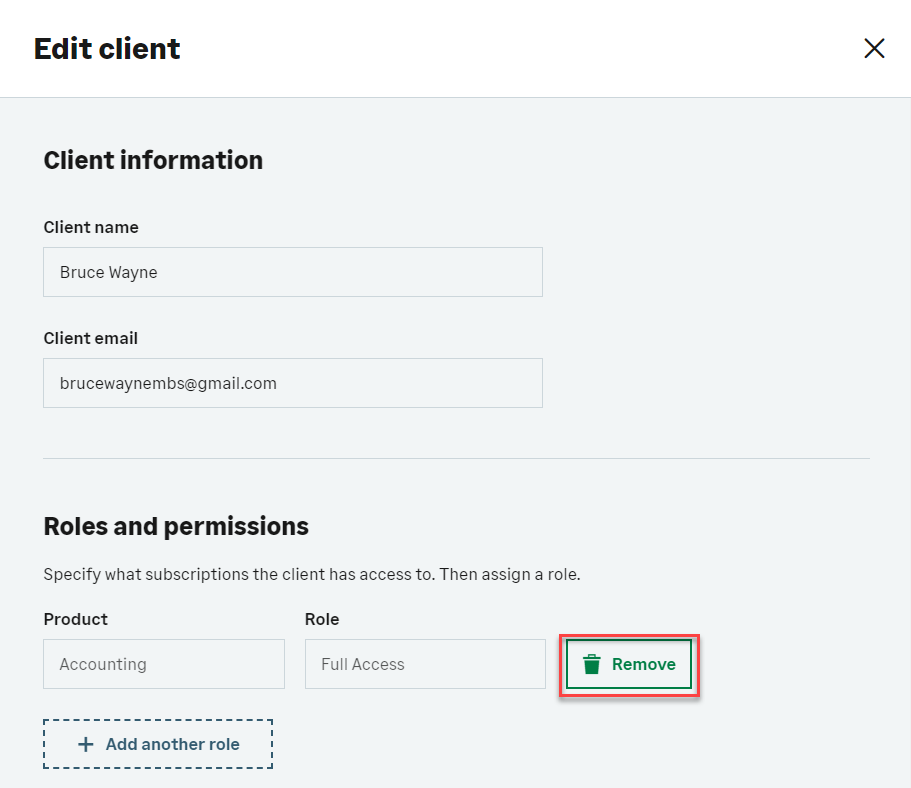
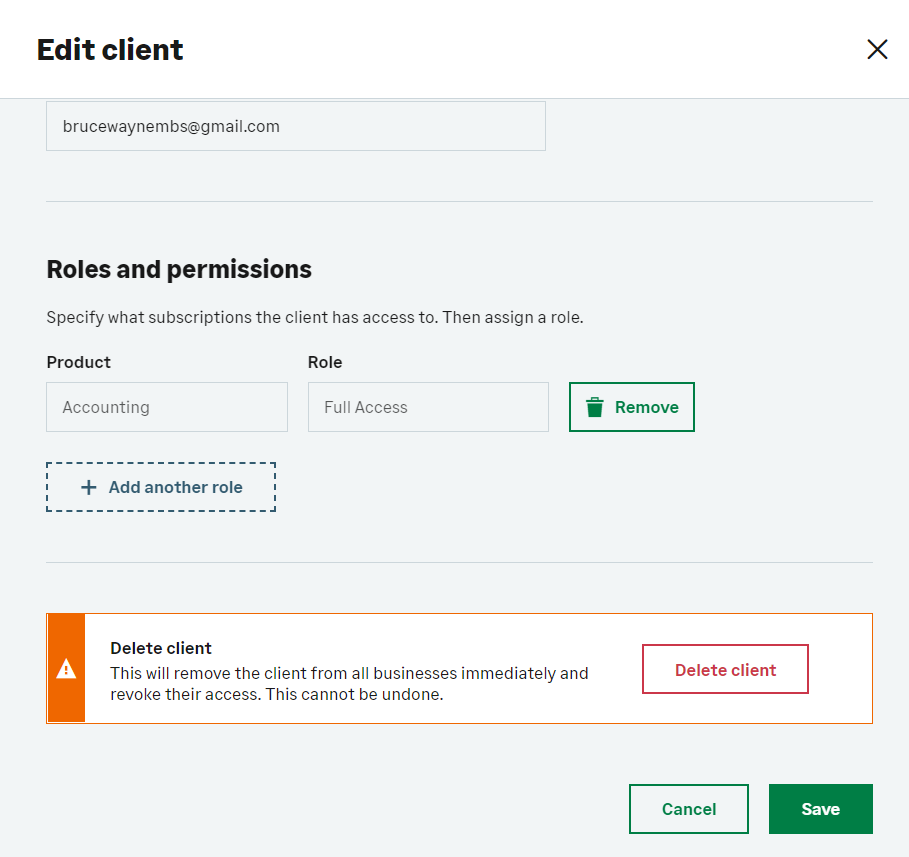
 Find the product you want to remove their access for, then select Remove.
 Select Save to confirm the change.
 TIP: If you want to remove this client from all subscriptions you've given them access to, select Delete client instead. TIP: If you want to remove this client from all subscriptions you've given them access to, select Delete client instead.
|