I am unable to click a button on an application window
Summary
Buttons or display elements missing, off-screen, or not responding.
Cause
Large font size in the display settings
Resolution
- Return the default text display to 100% by typing DPI in Windows Search or clicking Windows Start. Select Change the size of text.
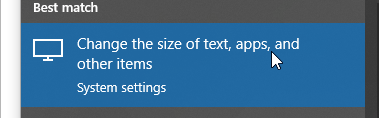
- Set the Scale and layout to 100%
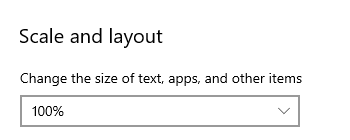
Solution Properties
- Solution ID
- 221924250011459
- Last Modified Date
- Mon Nov 21 17:54:25 UTC 2022
- Attributes
-
Product DetailsIntegrated Product: Blueprints
- Views
- 0